
Published: November 16 2026
How to Submit for an Official QuickBuy Offer
A step-by-step guide for agents
Once your seller has confirmed they want to move forward, you can submit the property for an official (finalized) QuickBuy offer. Follow the steps below.
Step 1: Start a New Property
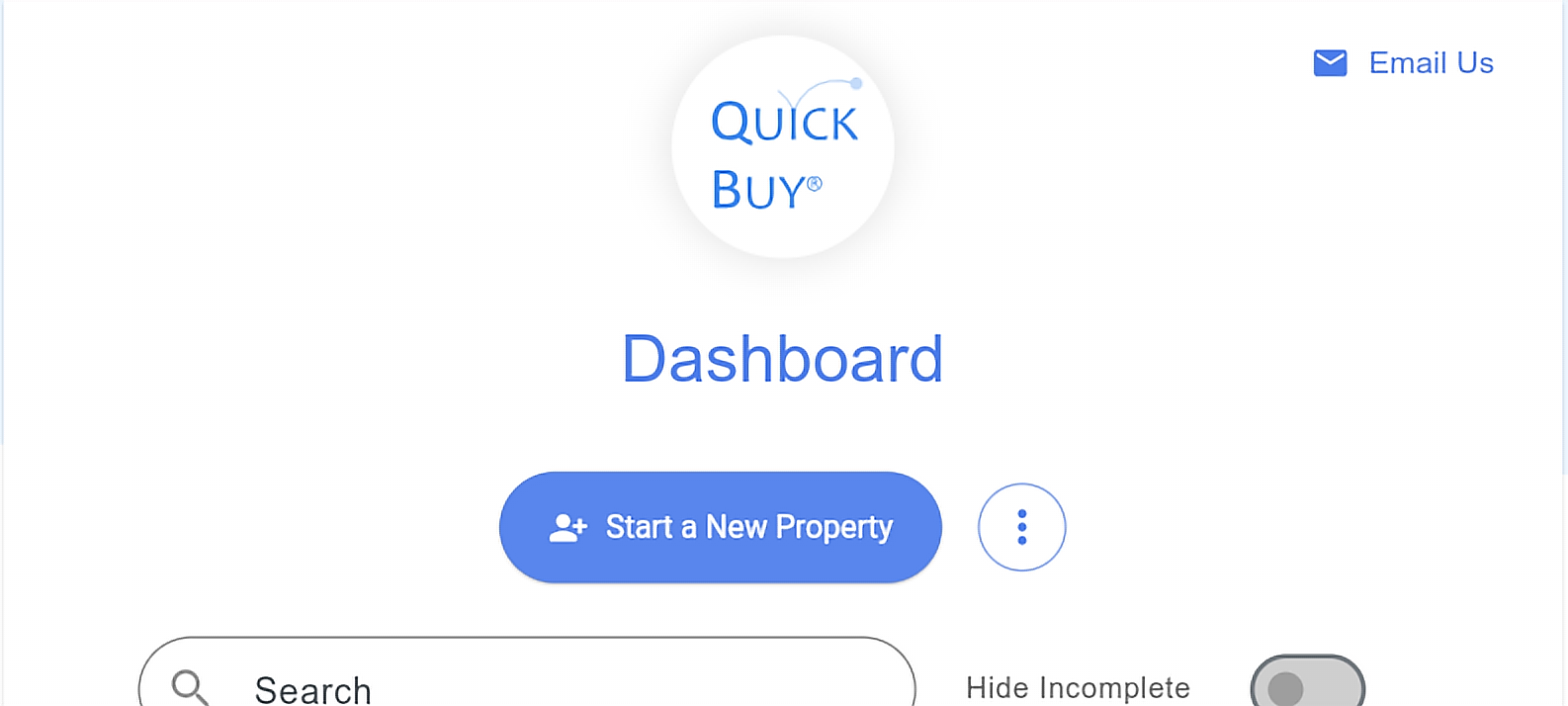
Once your seller has confirmed (they scan the QR code on the preliminary offer and complete the short confirmation), log in at quickbuysubmission.reloviewscomplete.com/auth or open the QuickBuy app, and click Start a New Property. The steps are the same in the app and on desktop. You will run through the same screens as a preliminary offer to reach the finalize offer option.
Step 2: Answer the qualifying questions
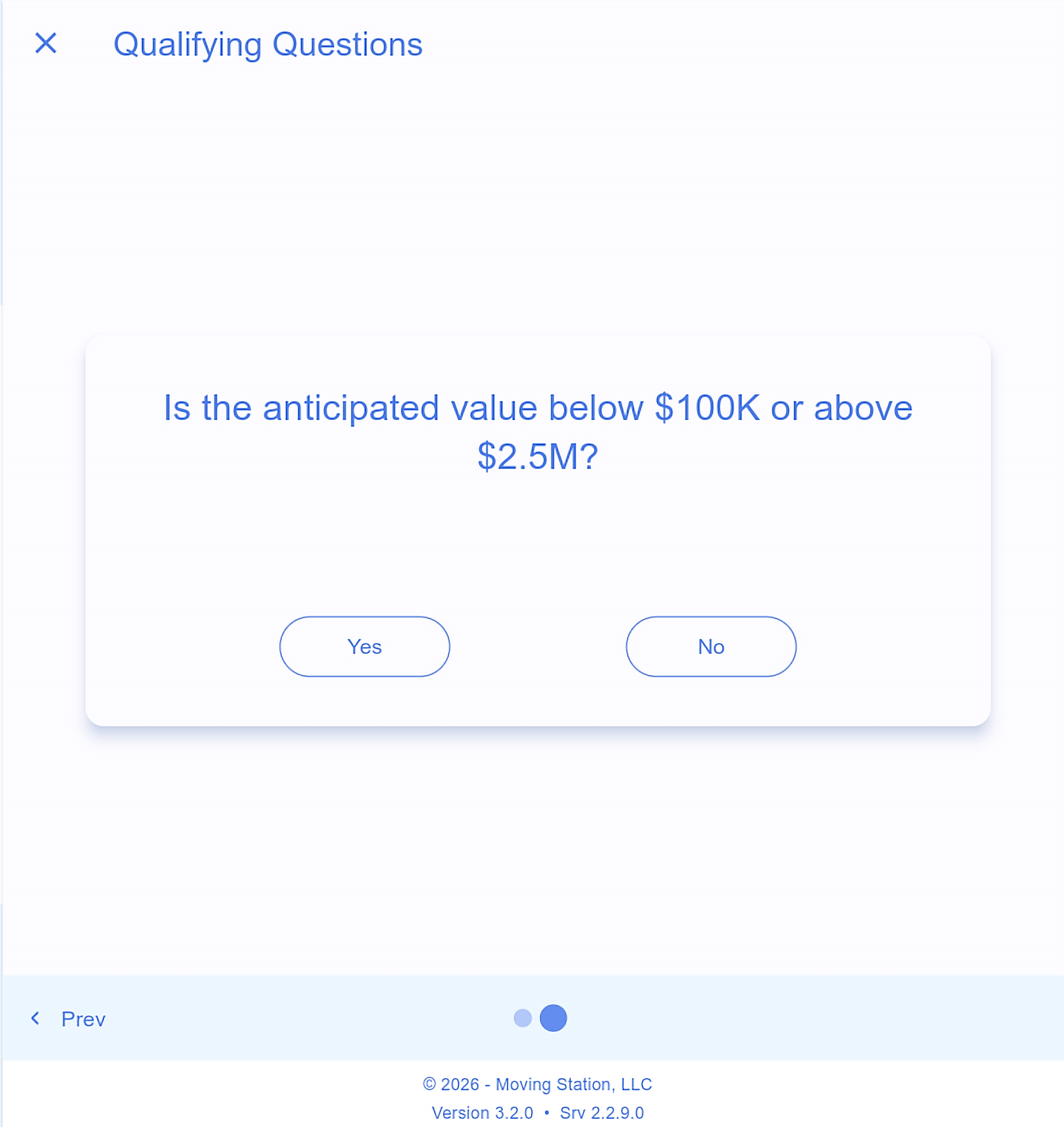
Next you will see the qualifying questions (about 7 short screening questions).
Step 3: Continue
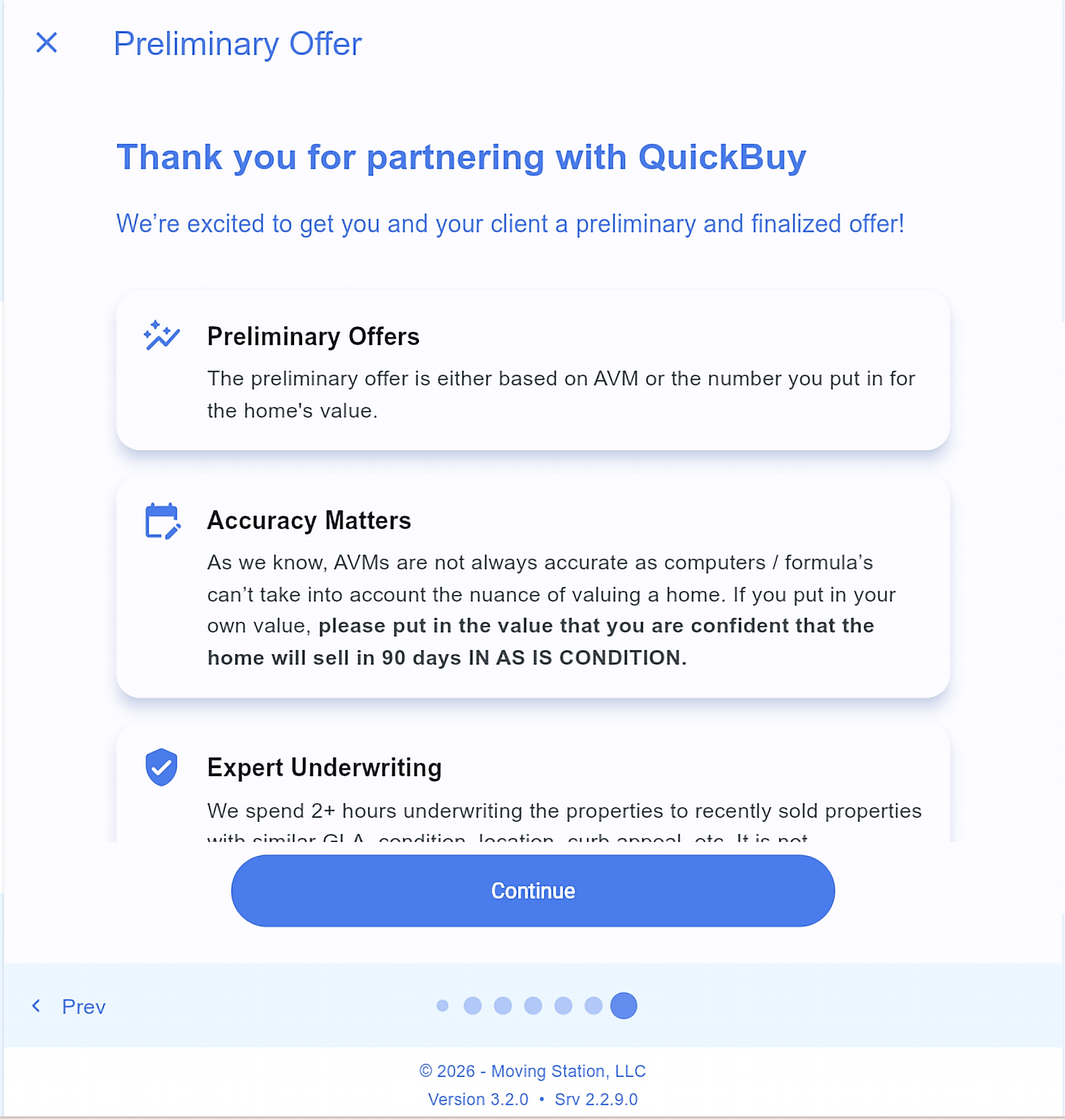
You will see a welcome screen (“Thank you for partnering with QuickBuy”) that explains preliminary offers, why accuracy matters, and expert underwriting. Click Continue.
Step 4: Enter contact, location, and listing status
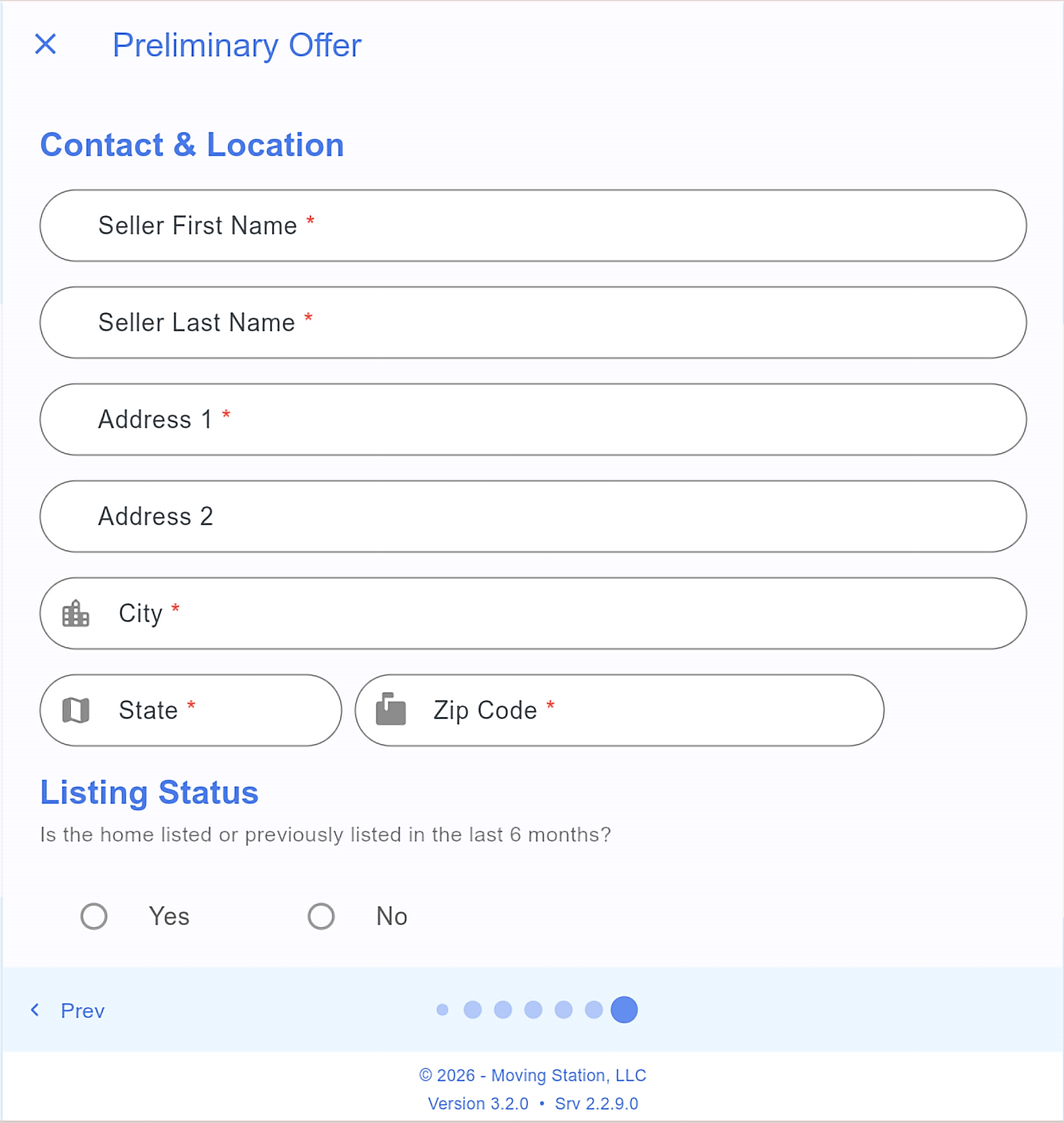
Enter the seller’s contact and property location. At the bottom, answer Is the home listed or previously listed in the last 6 months?
Yes: enter the current or previous list price and days on market.
No: choose agent-provided home value (enter your own value) or use the QuickBuy AVM. Using your own value gets the estimate closer to what you expect.
Then click Continue to get a preliminary offer.
Step 5: Continue for Final Offer
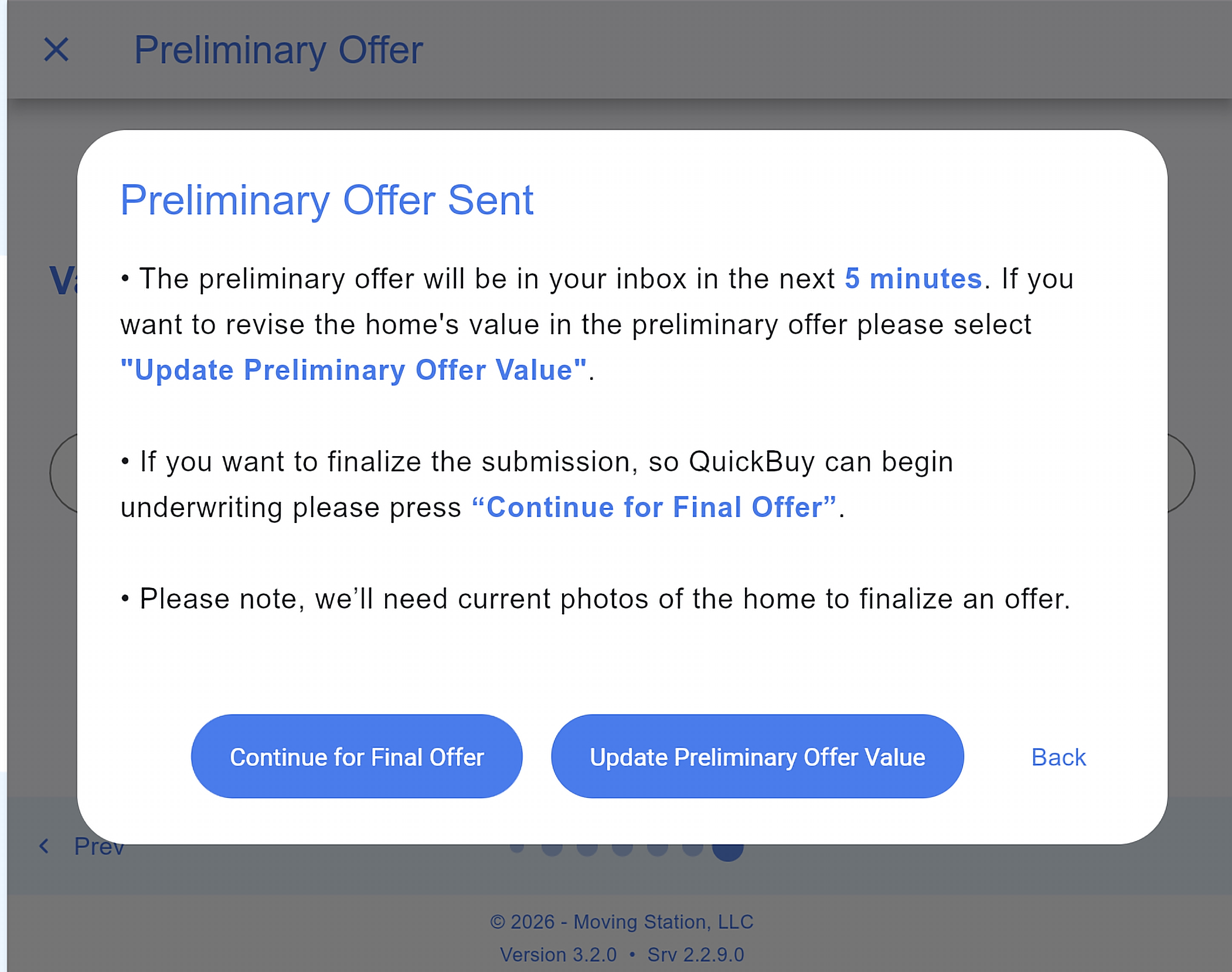
You will see a “Preliminary offer sent” screen. Click Continue for Final Offer to finalize so QuickBuy can begin underwriting.
Step 6: Program qualifications
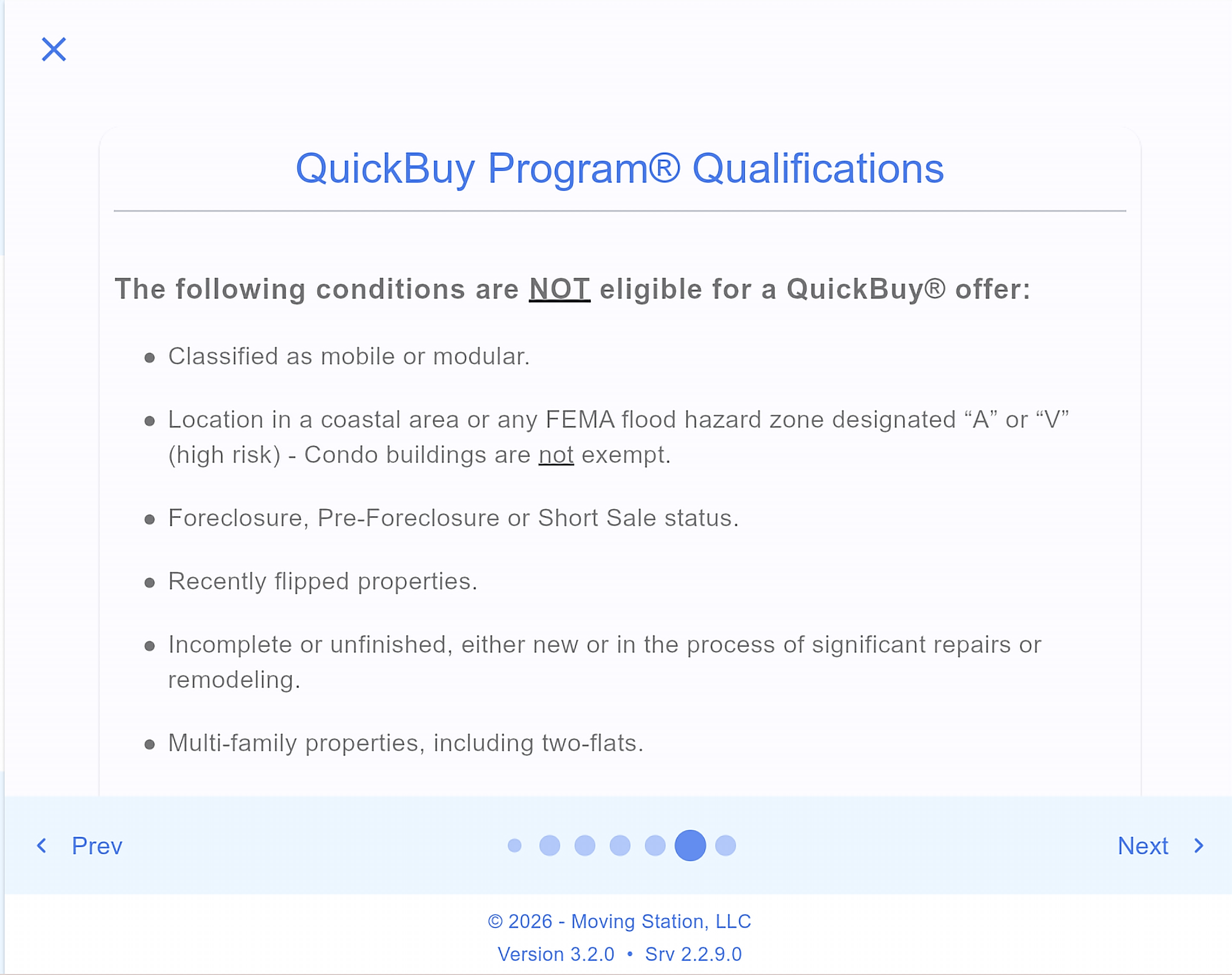
The program qualification questions appear. The screen asks does the property have any of these concerns? Select Yes or No.
Step 7: Pre-qualified
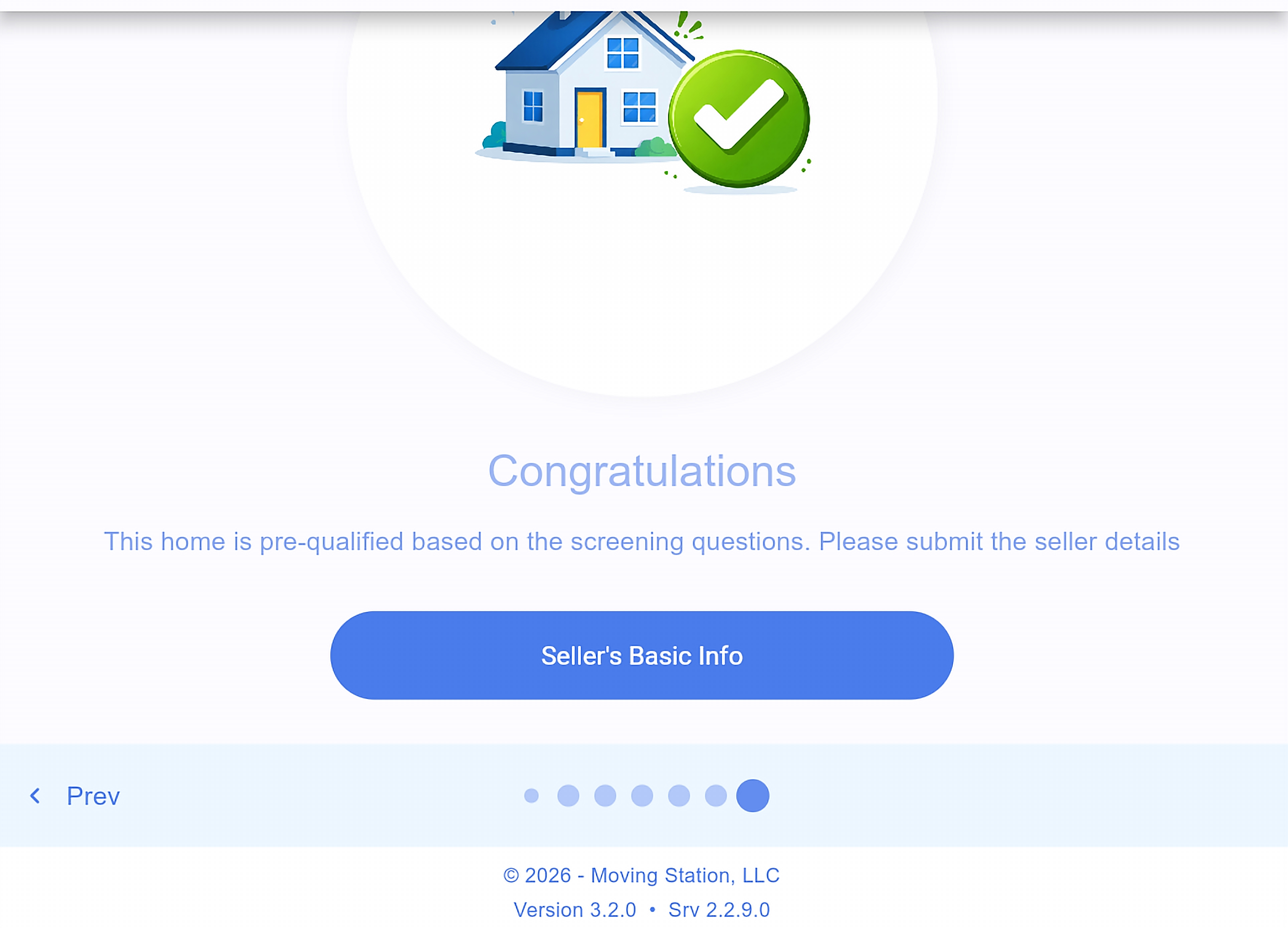
If there are no concerns, you will see a Congratulations screen confirming the home is pre-qualified based on the screening questions. Click Seller’s Basic Info to continue.
Step 8: Seller’s Basic Info
Enter the seller and property details:
Salutation, seller first and last name, seller email, seller phone number
Property address and zip
Whether the home is currently listed or was listed in the past 6 months
Number of bedrooms and bathrooms
Estimated year built
Estimated above-grade and below-grade square footage
Features: basement, garage, septic, well, central A/C
Whether it backs to a busy road, power lines, or commercial property
Property type: single family, condo, or townhome
Any additional comments
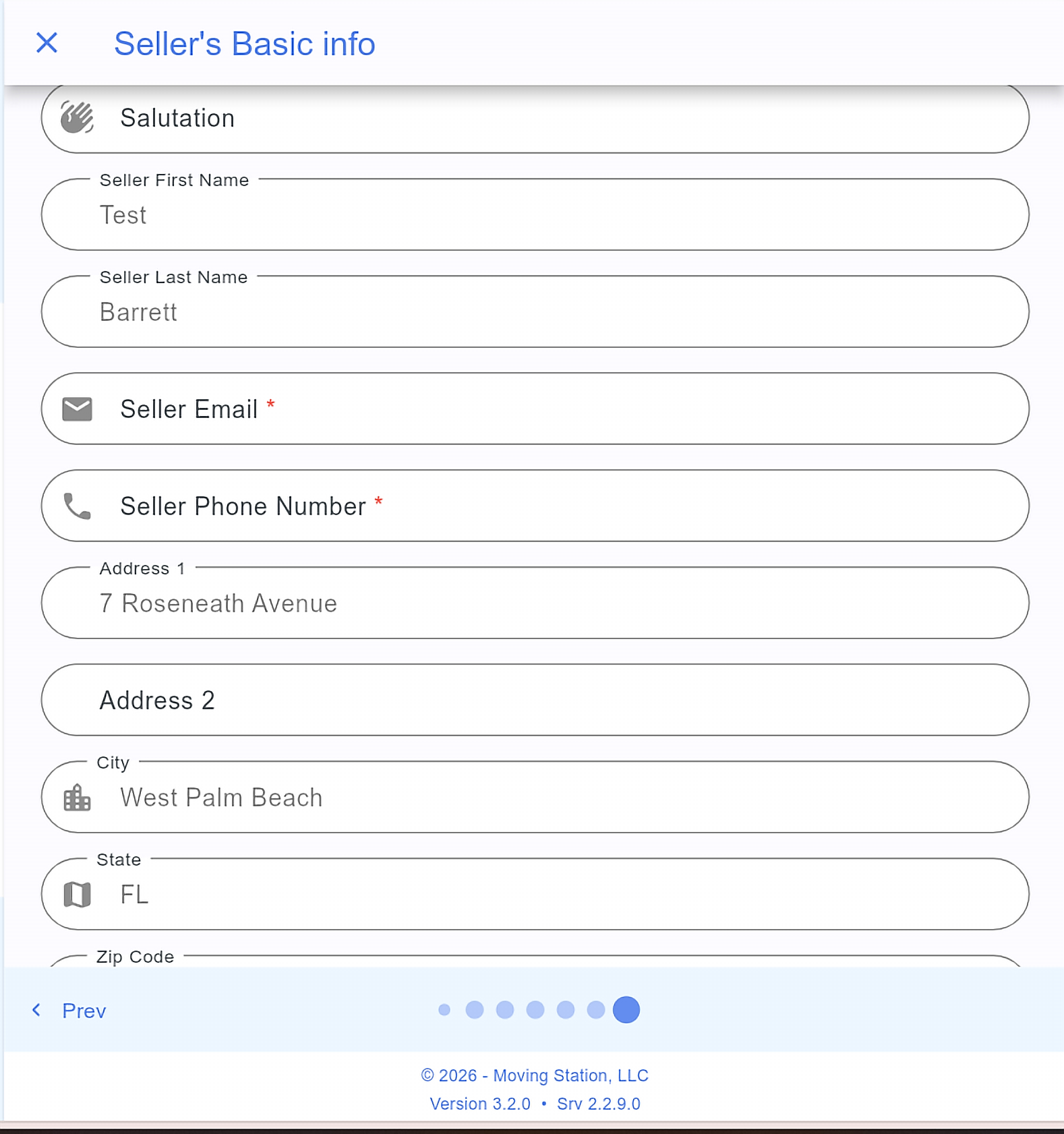
Tip: “Save for Later” will hold your progress, but it still requires the seller’s email before it will save.
Step 9: Additional questions
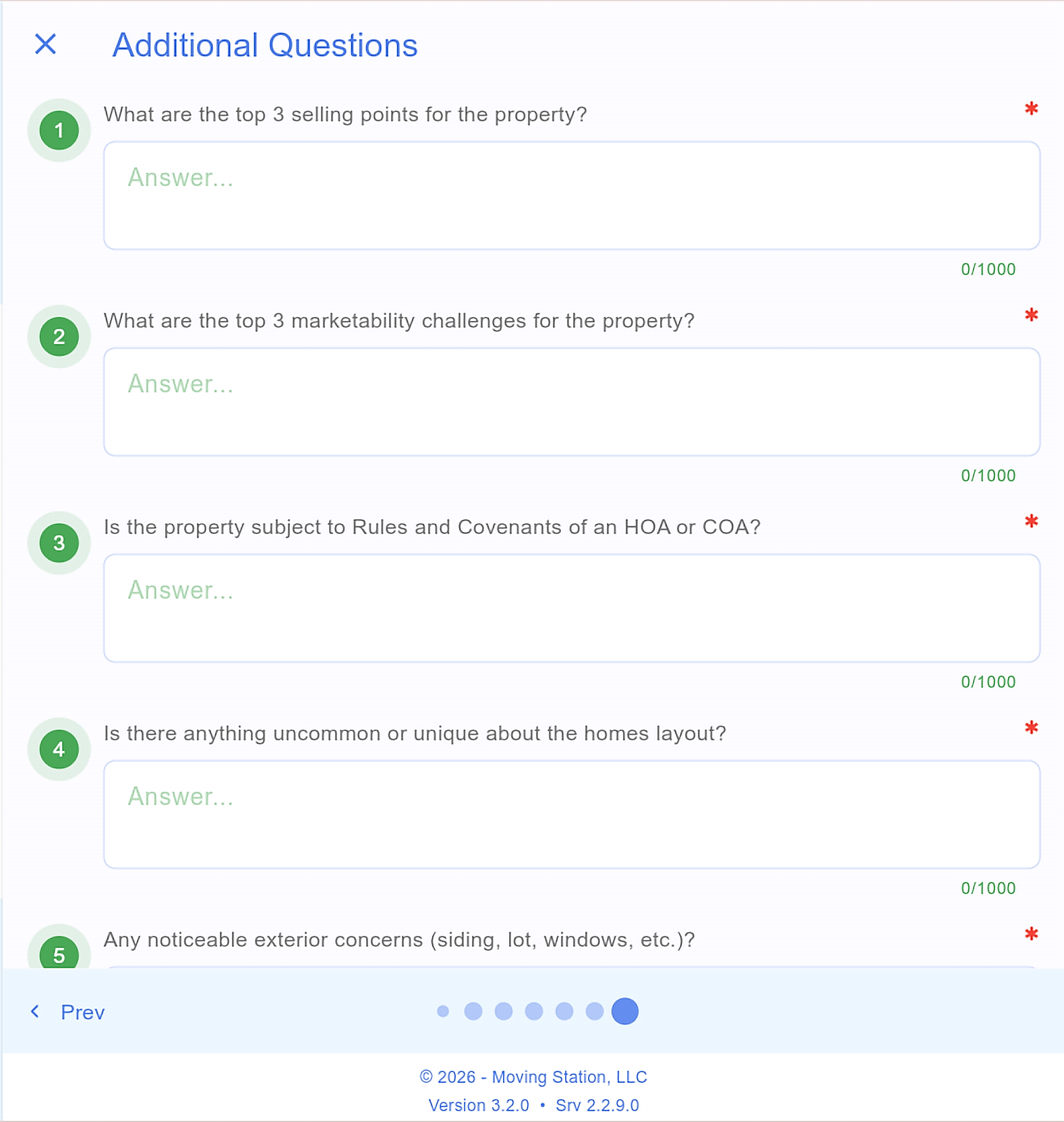
Complete the additional questionnaire (about 17 questions). This is where you enter your list-side and buy-side commission (the total commission calculates for you), along with more detail on the seller’s interest and any challenges with the property. Click Continue when done.
Step 10: Photos / Documents (not-listed properties)
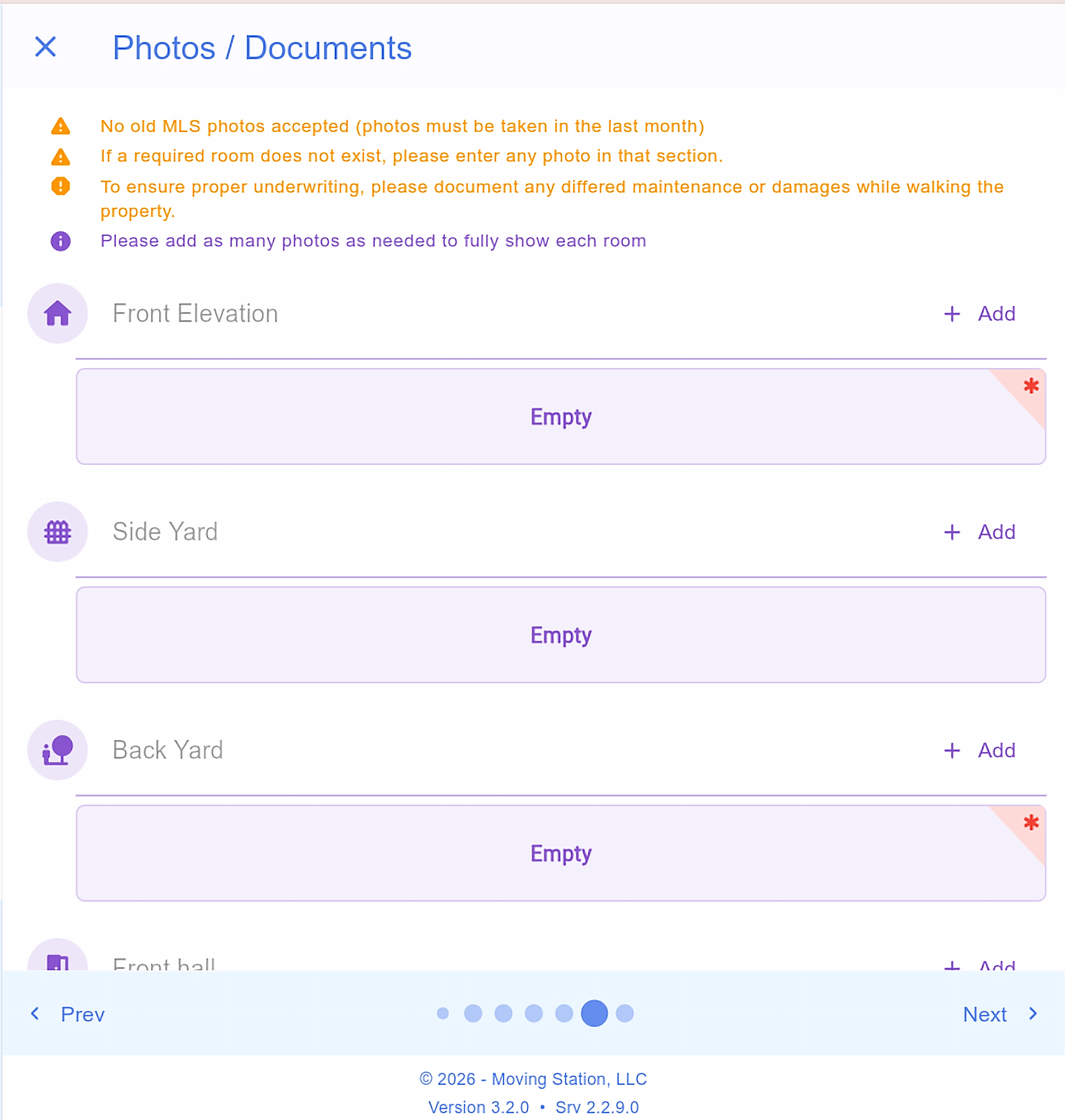
This step only appears for properties that are not listed. If the home is currently listed or was listed in the past 6 months, the app skips photos and you will not see this step.
Upload a photo for each required area. Required areas are marked with a red asterisk and must be filled before you can submit. Click + Add on the right of each room to upload.
Required photos are based on what you entered. For example, 3 bedrooms and 2 bathrooms means a photo of each bedroom and each bathroom. Commonly required:
Front elevation
Backyard
Living room or den
Family room
Kitchen
Each bedroom
Each bathroom
Garage (if you indicated one)
Basement (if you indicated one)
Step 11: Review and submit
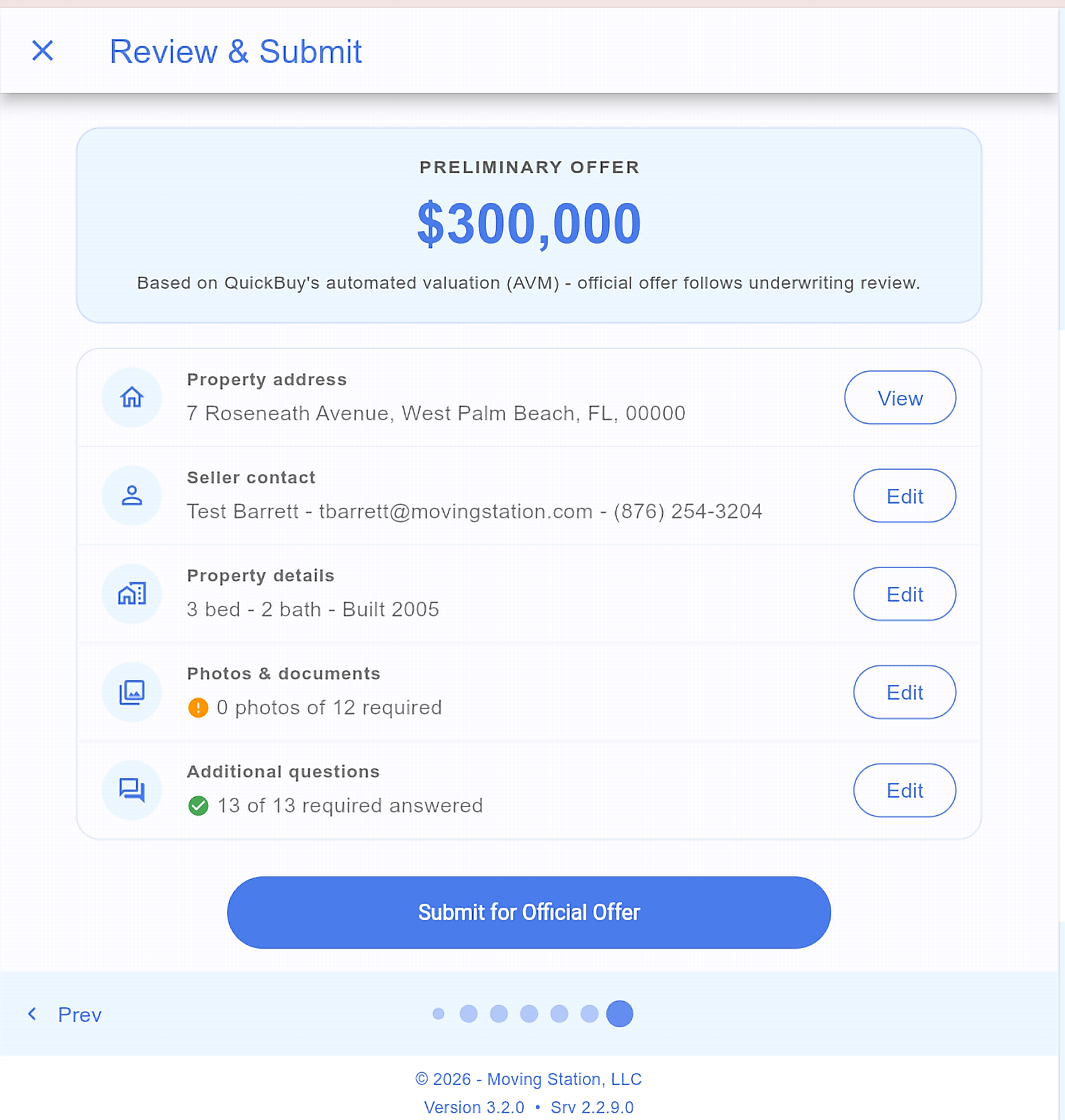
Go to the Review & Submit page. You will see the preliminary offer amount and every section you completed: seller contact, property details, photos/documents, and additional questions. You can view and edit each one (the property address is view-only). When everything looks good, click Submit for Official Offer.
What happens next
Once submitted, QuickBuy’s asset team underwrites the property, reviewing condition, comps, and market data. The official offer is emailed to you and your seller. Turnaround is usually 2 to 3 business days.
Questions?
Email quickbuy@movingstation.com.
Additional Guides

Copyright 2026 Moving Station, LLC